Interactive Dome Builder
Interactive Web App
Kingdomes sells geodesic glamping domes across Australia, New Zealand, and the US — a considered purchase with dozens of size, colour, and upgrade combinations, where every quote used to start with a back-and-forth email thread. I designed and built a product configurator that lets a buyer spec their exact dome, watch the price update live, and send the finished configuration straight into the company's CRM as a qualified lead. It's a single self-contained HTML file — no framework, no build step — iterated across 8+ versions with the Kingdomes team, and now live on kingdomes.com.au↗.
Try It
This is the real configurator, embedded — click through the tabs, switch sizes and currencies, and watch the price bar react. The only difference from production: the quote form's CRM webhook is disabled in this demo, so feel free to submit it.
The Configuration Flow
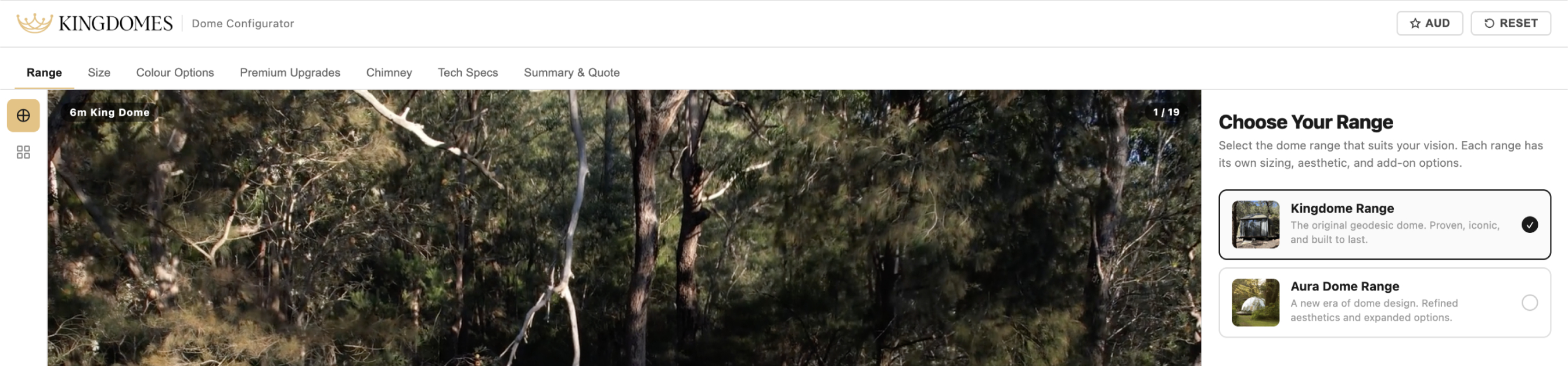
Buyers move through seven guided steps — Range, Size, Colour Options, Premium Upgrades, Chimney, Tech Specs, and Summary & Quote — covering two ranges, seven models across five sizes (the original King Dome in 6m–10m, and the newer Aura Dome in 5m–7m). Each step is driven by a shared state object: picking a different range or size re-resolves every downstream option, photo carousel, and price, so incompatible combinations can never be selected. A Compare All Sizes table shows side-by-side specs with the current selection highlighted, for buyers who want the full picture before committing.
Multi-Currency Pricing Engine
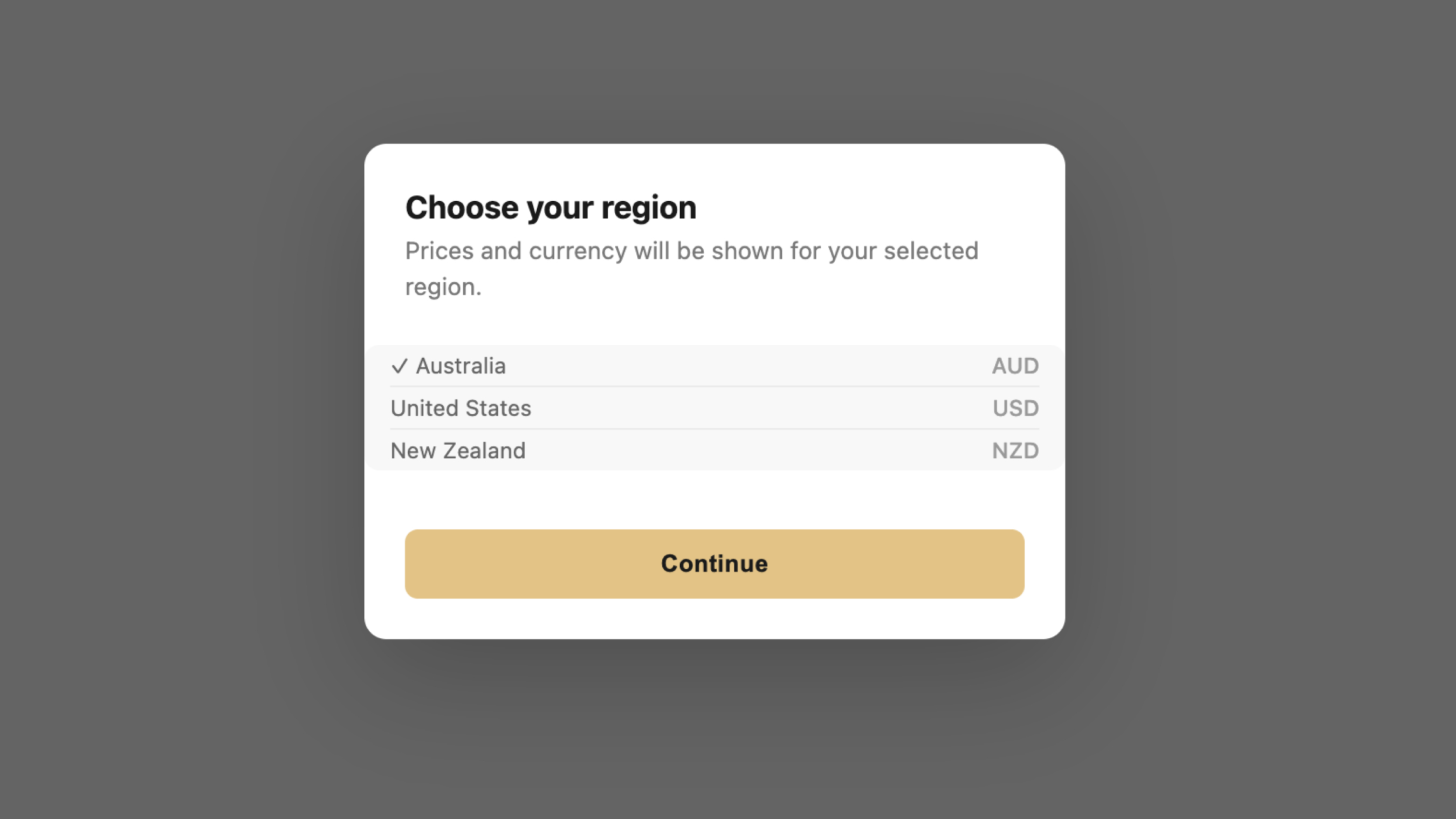
Every price in the app — base dome, colour fees, upgrades, chimney — is stored as an AUD/USD/NZD triple and resolved through a single lookup at render time, sourced from the same pricing spreadsheets the Kingdomes team maintains internally. Switching currency reprices the entire configuration instantly, and the sticky price bar recalculates the estimated total (incl. GST) on every change, so the buyer never has to ask "what does this cost?" — the answer is always on screen.
From Configuration to CRM Lead
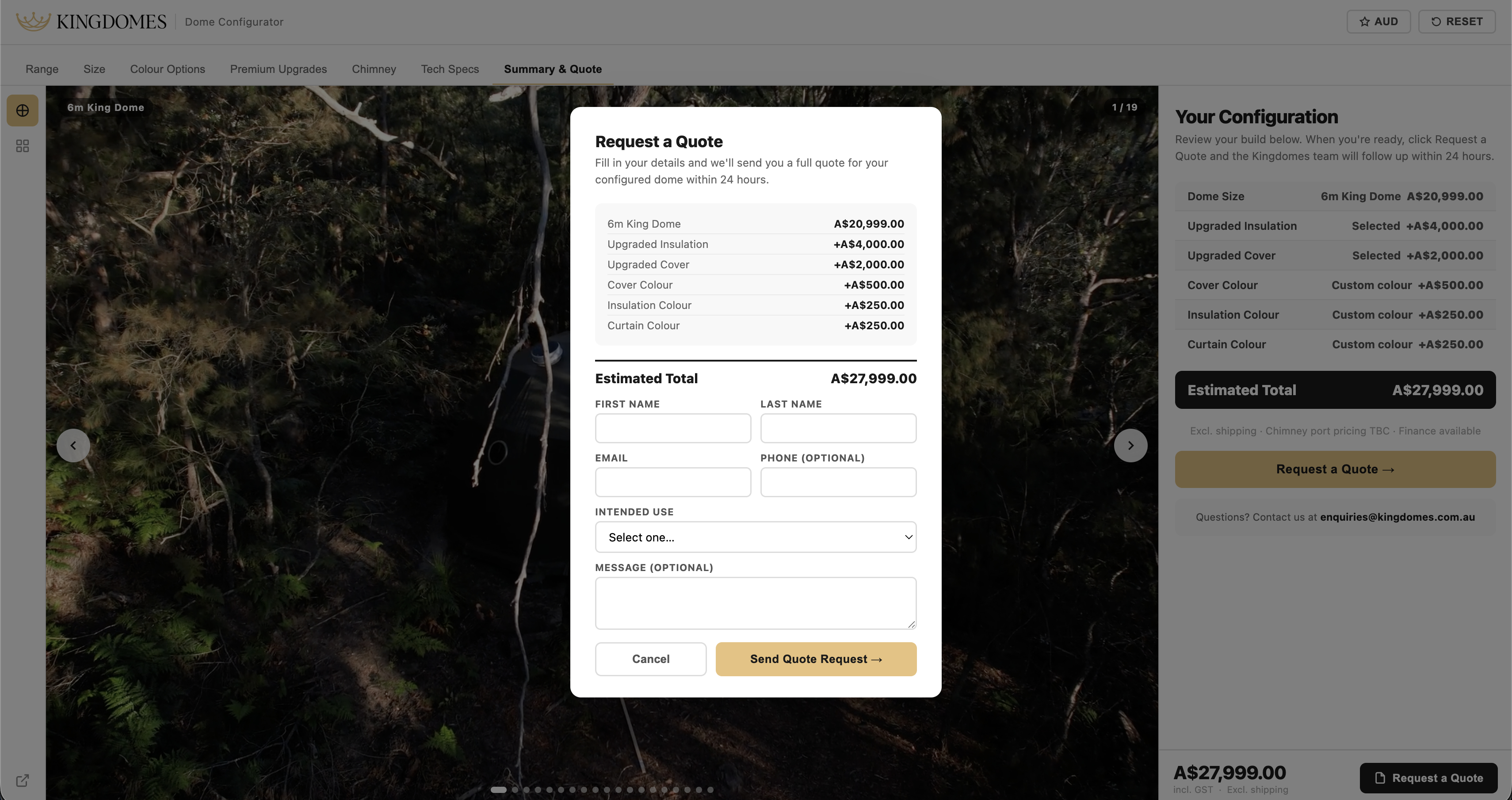
The Summary & Quote step turns the session into a sales asset: the quote form POSTs the buyer's full configuration — range, size, every colour and upgrade choice with its price, intended use, region, and timestamp — to a GoHighLevel webhook as structured JSON. Sales receives a lead that already contains the exact dome the customer built and its estimated total, with no manual data entry between the configurator and the CRM.
One File, No Build Step
The whole application ships as one ~2,500-line HTML file: styles, markup, pricing data, and logic together, with zero dependencies. That constraint was deliberate — it drops into the company's WordPress site (or anywhere else) without touching their deploy pipeline, and updating prices or adding a size is an edit to one data block in one file. The embed above is that same file, unchanged except for the disabled webhook.